Cart and Checkout
Before making a purchase, it is important to correctly organize the order process on the website.
For every user action that can affect the final cost of the order and the composition of items, it is necessary to form an up-to-date version of the potential order and send it for calculation:
- navigating to the checkout page
- refreshing the checkout page
- entering a promocode
- adding an item to the cart
- changing product characteristics in the cart
- removing an item from the cart
- entering the number of bonus points to be deducted
- any other actions affecting the composition/cost of the order
For calculation, use the POST cart calculation method in the Sailplay API (method: marketing-actions/calc).
In response to each new request, parameters are returned that are recommended to be displayed on the checkout page, for example:
- recalculated position cost:
new_price - final order cost including applied promotions:
total_price - list of promotions applied to the cart:
marketing_actions_applied - bonus points available for deduction:
total_dicsount_points_max - potential bonus accrual for the order:
total_points - potential bonus accrual for each position:
points - additional information on the potential order
Bonus Points Deduction
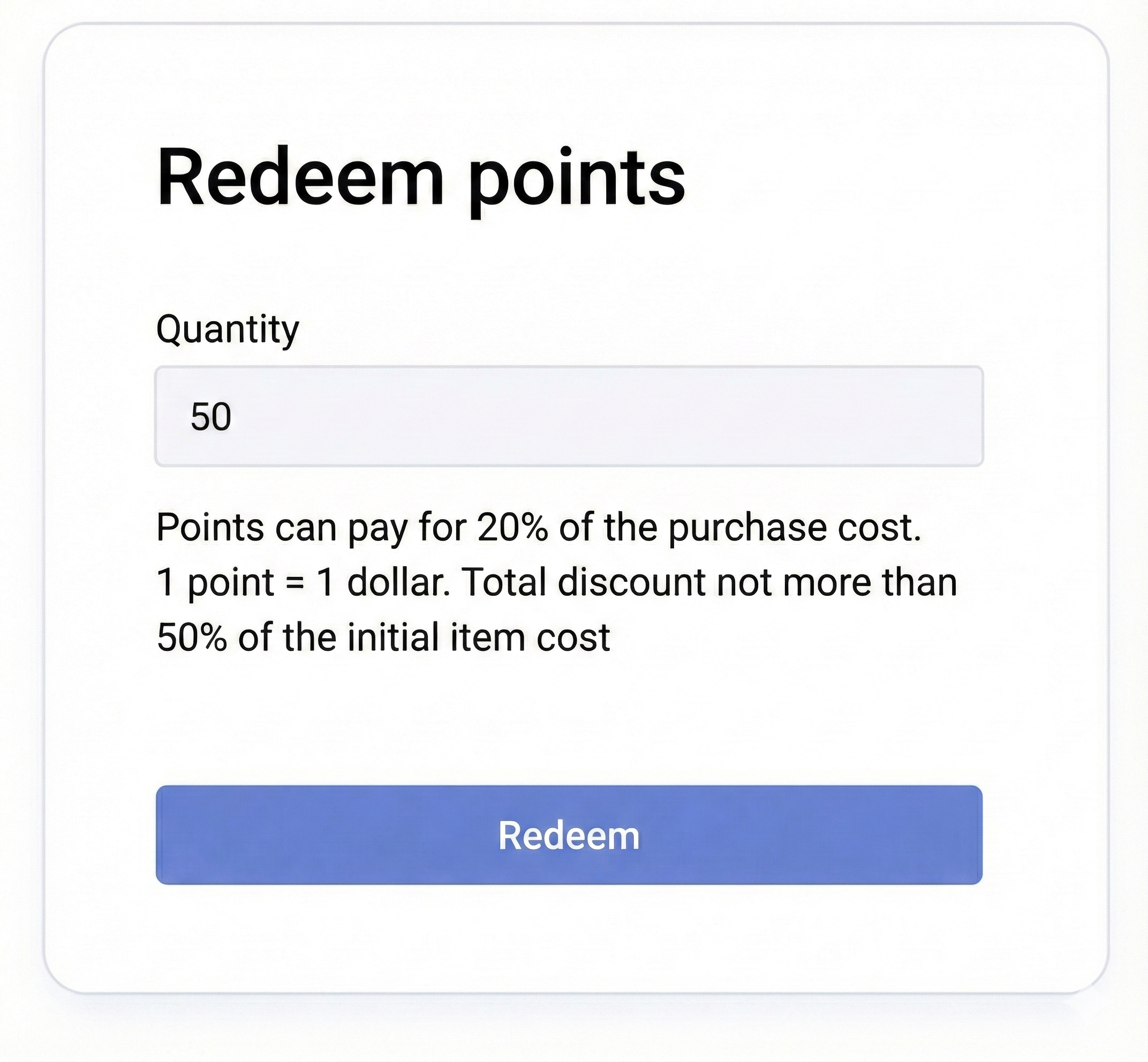
On the checkout page, implement the ability to deduct bonus points against the order cost.
To do this, display:
- a field for entering the number of points
- an apply button
Before the client starts entering bonuses for deduction, limit the input to the available maximum.
The maximum number of points available for deduction is returned in the total_dicsount_points_max parameter.
Potential Bonus Accrual for Purchase
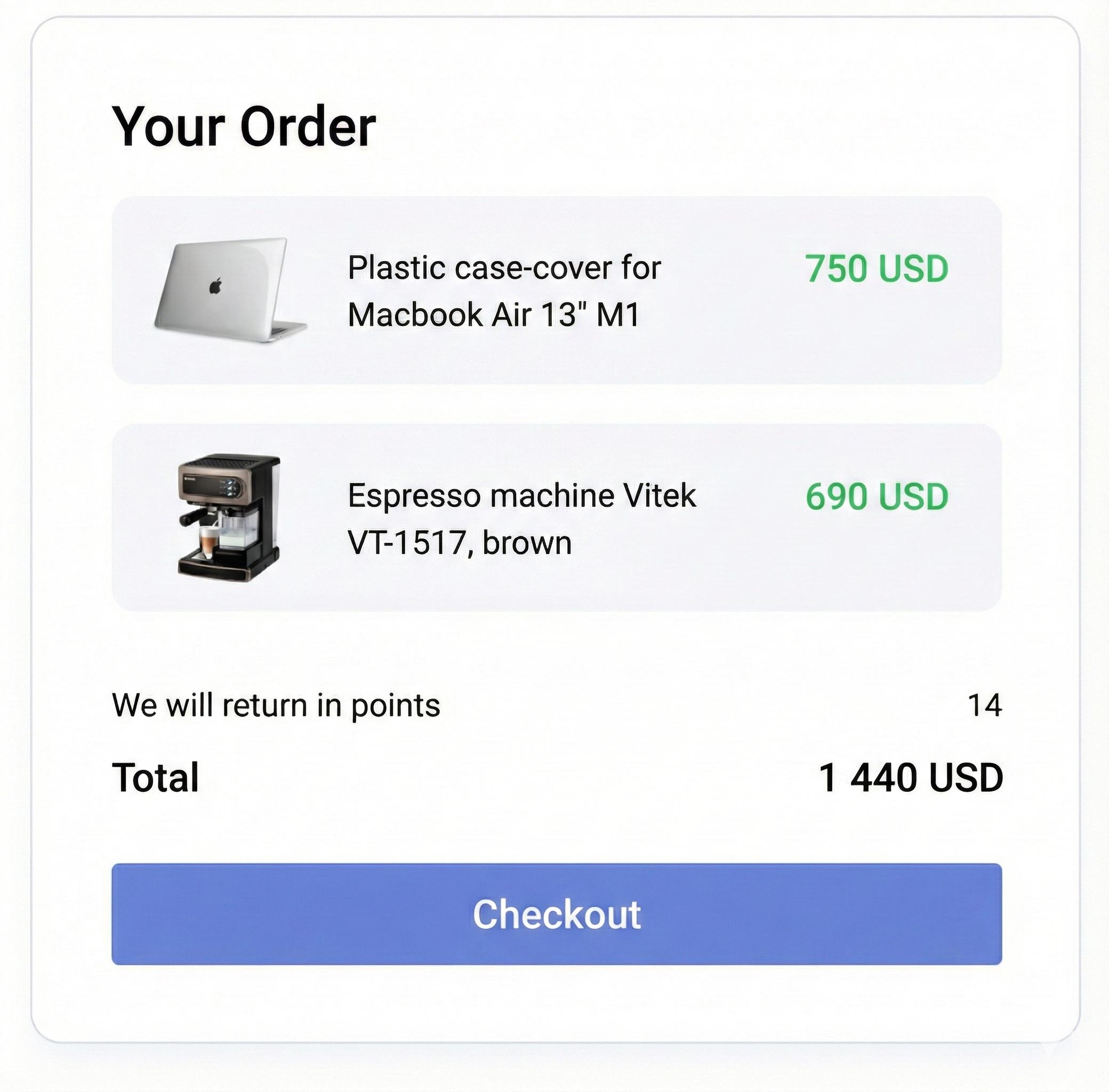
Sailplay allows for accruing bonus points for completed orders.
Inform the client about how many bonuses they will receive for the purchase if the order is placed.
Potential bonus accrual is returned in the points_delta parameter.
Promocode Entry
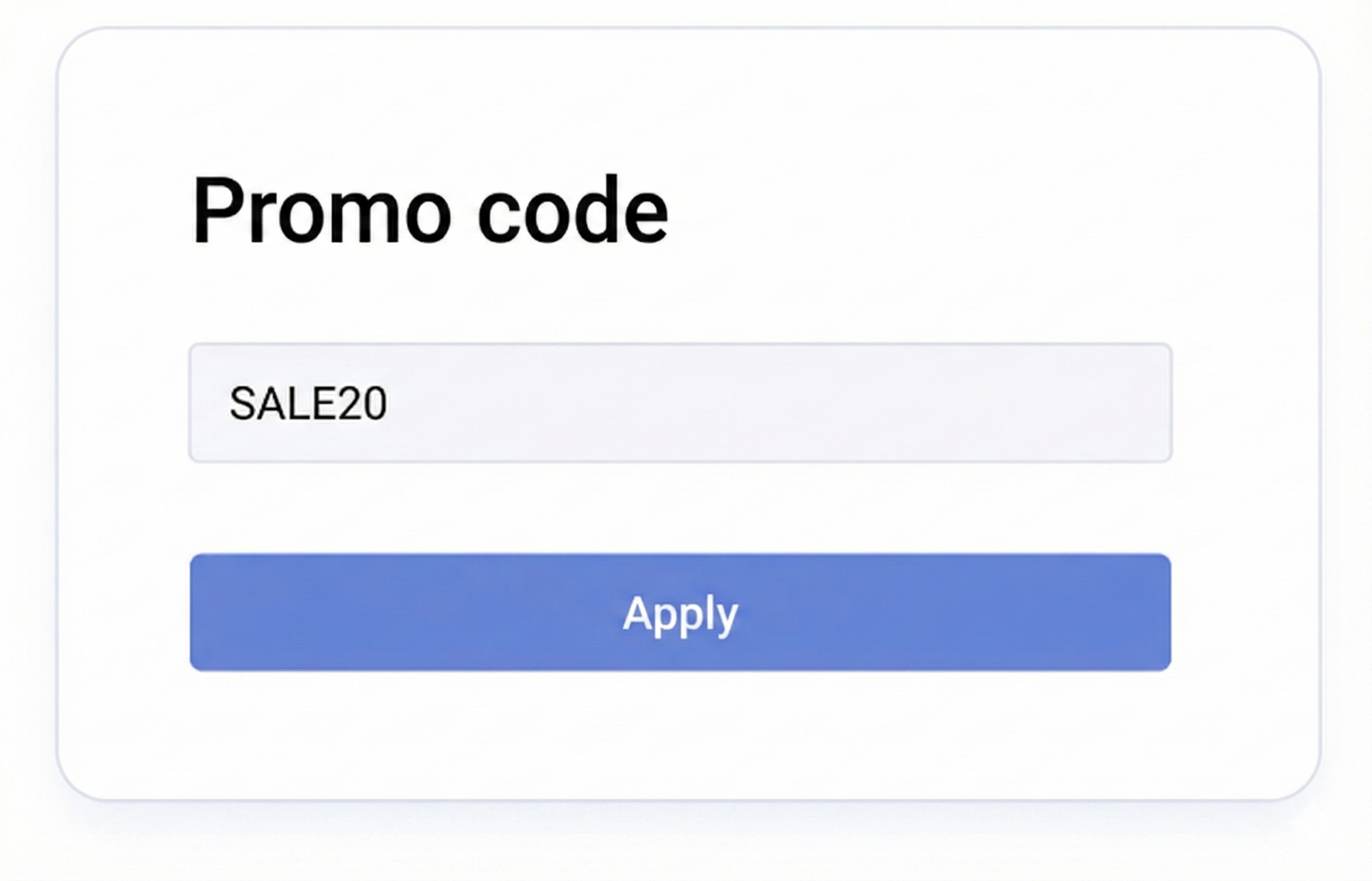
To support the use of promocodes in an order:
- Add an input field and an apply button.
- Organize a "buffer" (state) on the order page in which the applied promocode is stored.
- Upon clicking "Apply", check the availability of the promocode via the promocode search method in the Sailplay API (method:
promocodes/search). - If the promocode is valid, pass it in each subsequent cart calculation request (method:
marketing-actions/calc) in thepromocodesparameter.