Registration and Login
Sailplay helps identify the client when they log in to the website or mobile application.
Actions for registration and login differ, so it is important to correctly organize their order.
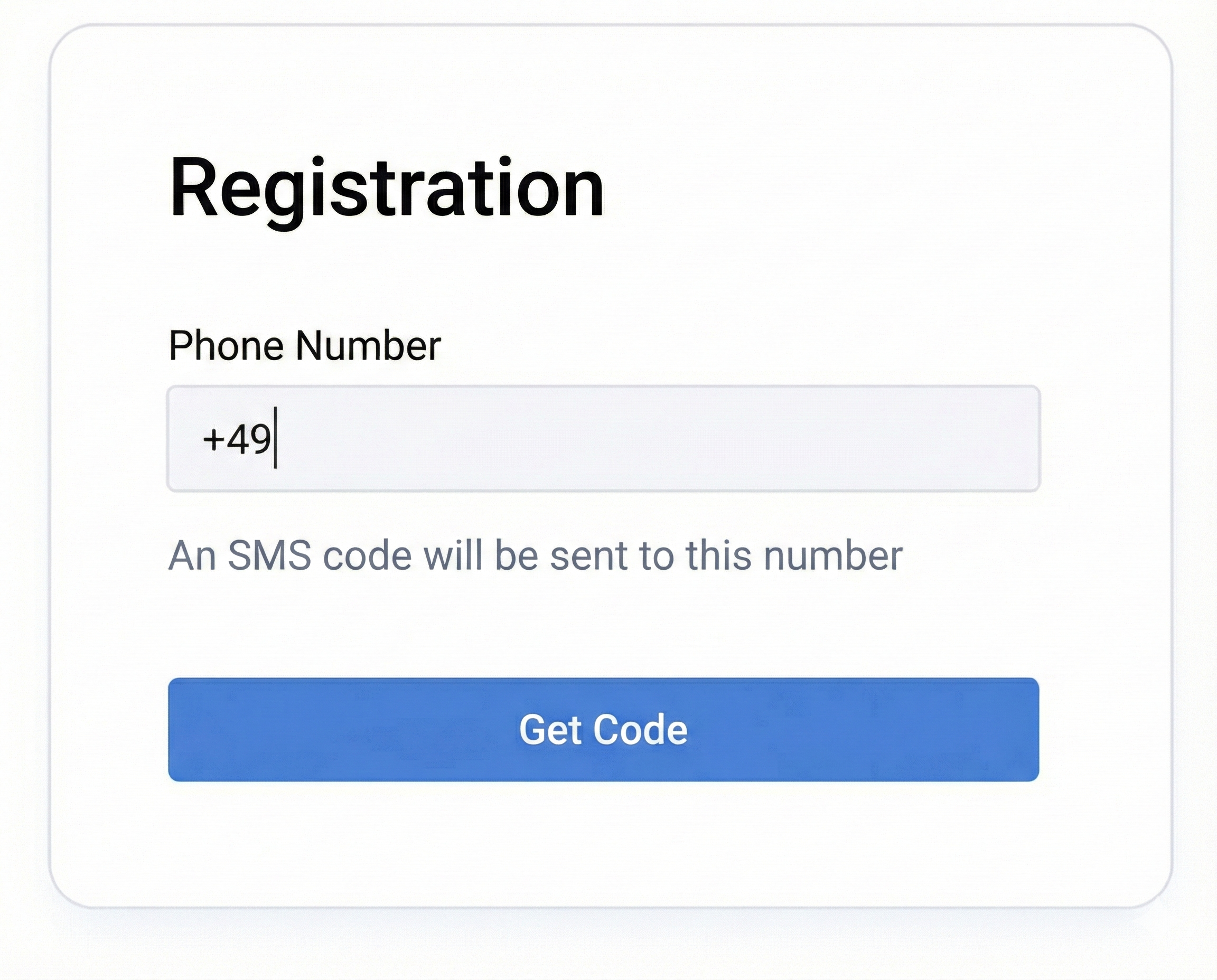
Registration
- After entering the phone number in the registration field and clicking the "Get Code" button, send an API request.
Check if the client is registered in the loyalty program using the user information retrieval method /users/info`/.
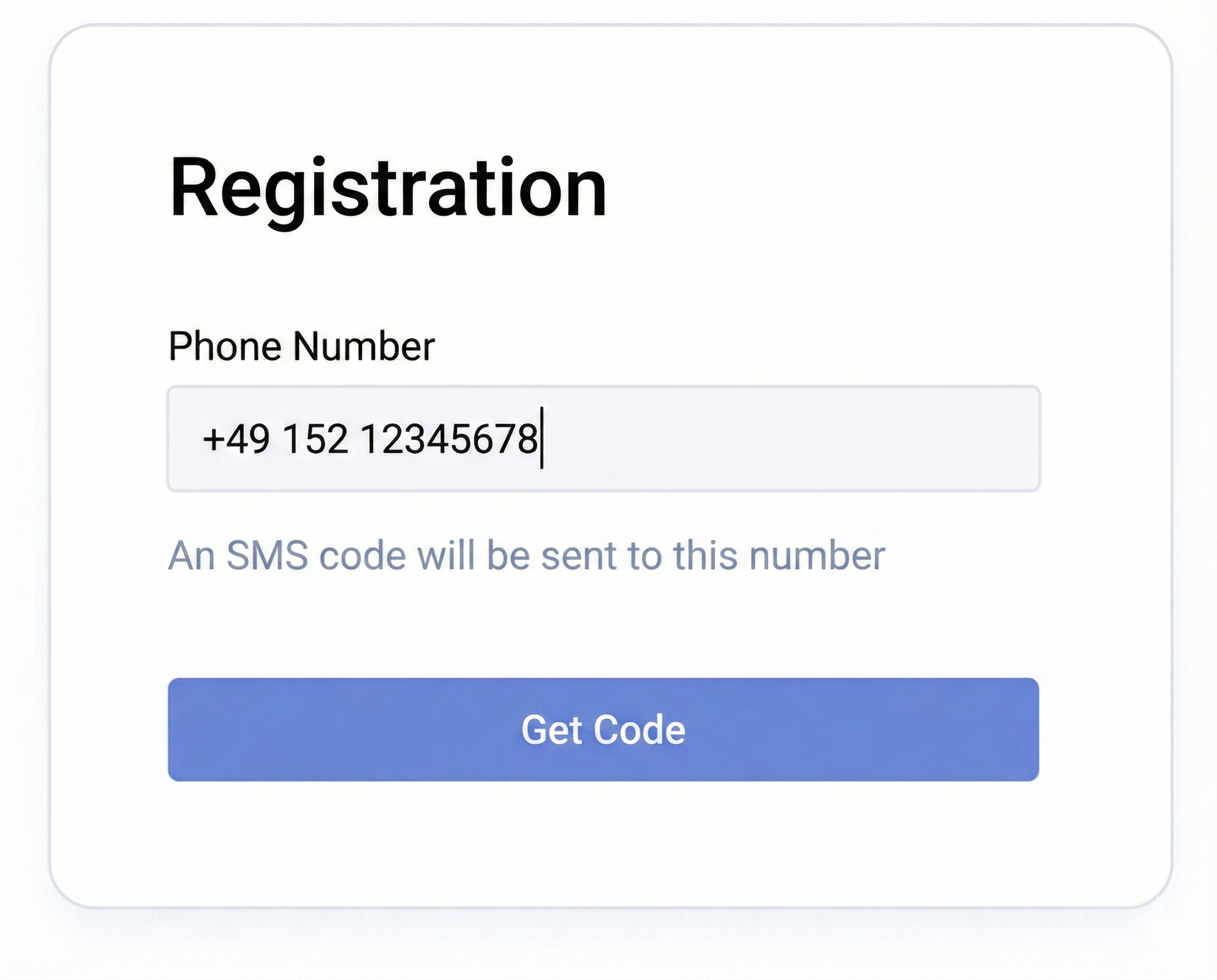
- If the API returned information about an existing user, display a message to the client that registration is not possible.
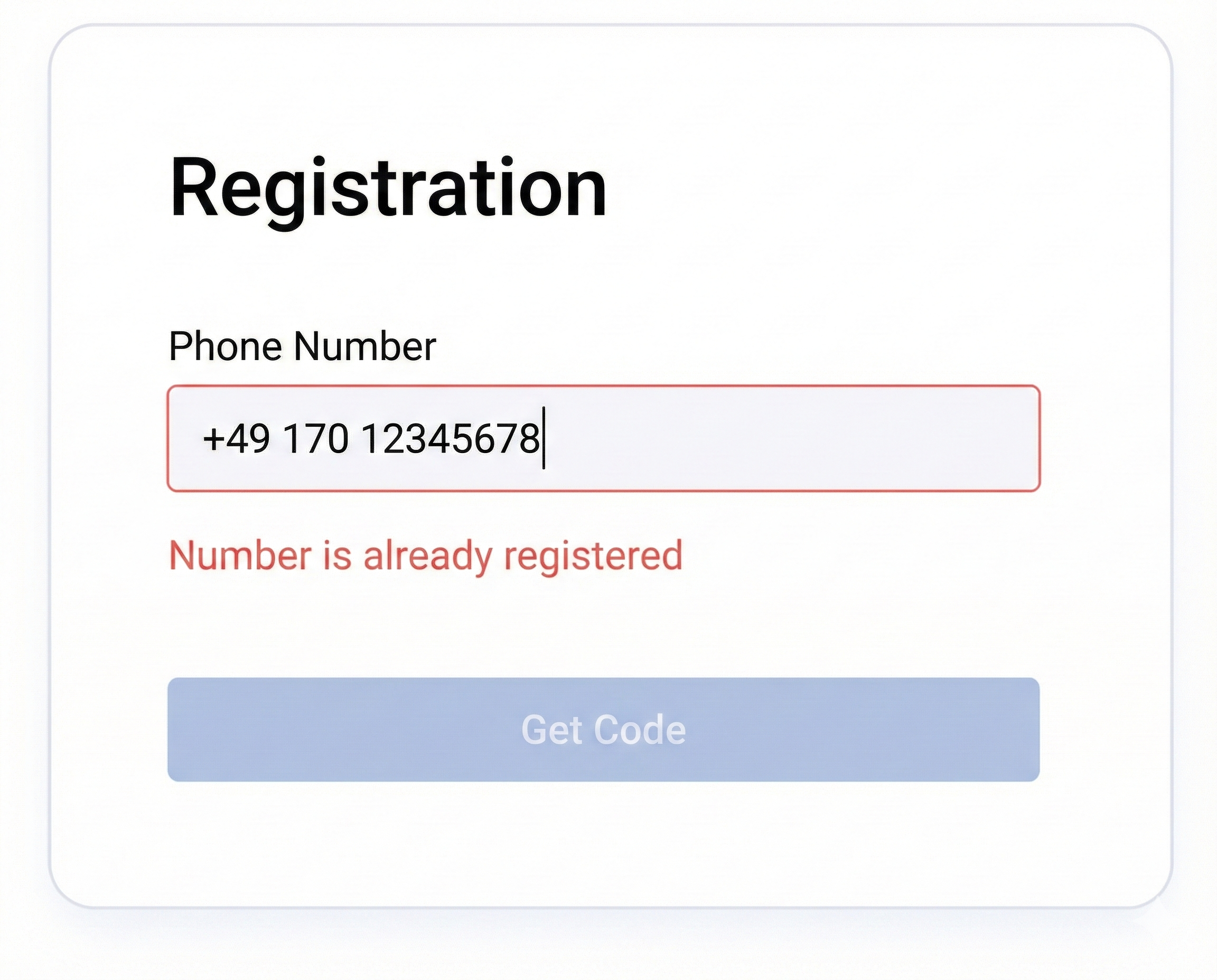
-
If the API returned information that the user is missing from the system, immediately after the response, send an SMS code for number confirmation.
Use the SMS sending method /users/sms-code/`. -
In response to the SMS sending request, the method will return a verification code in the
sms-codeparameter.
Match it with the value entered by the client.
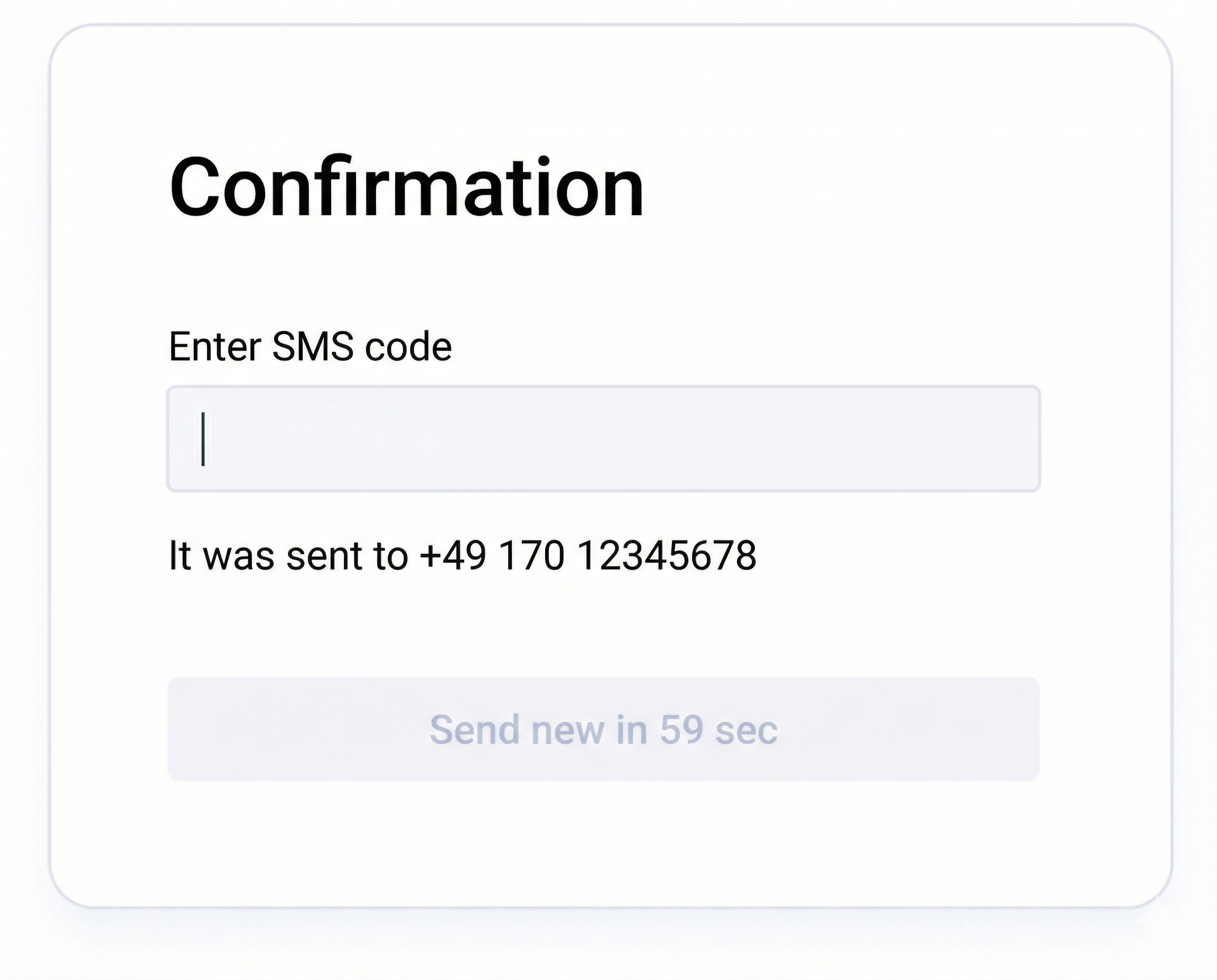
-
If the client entered the correct code, send the next request to the API at /users/add/ `.
-
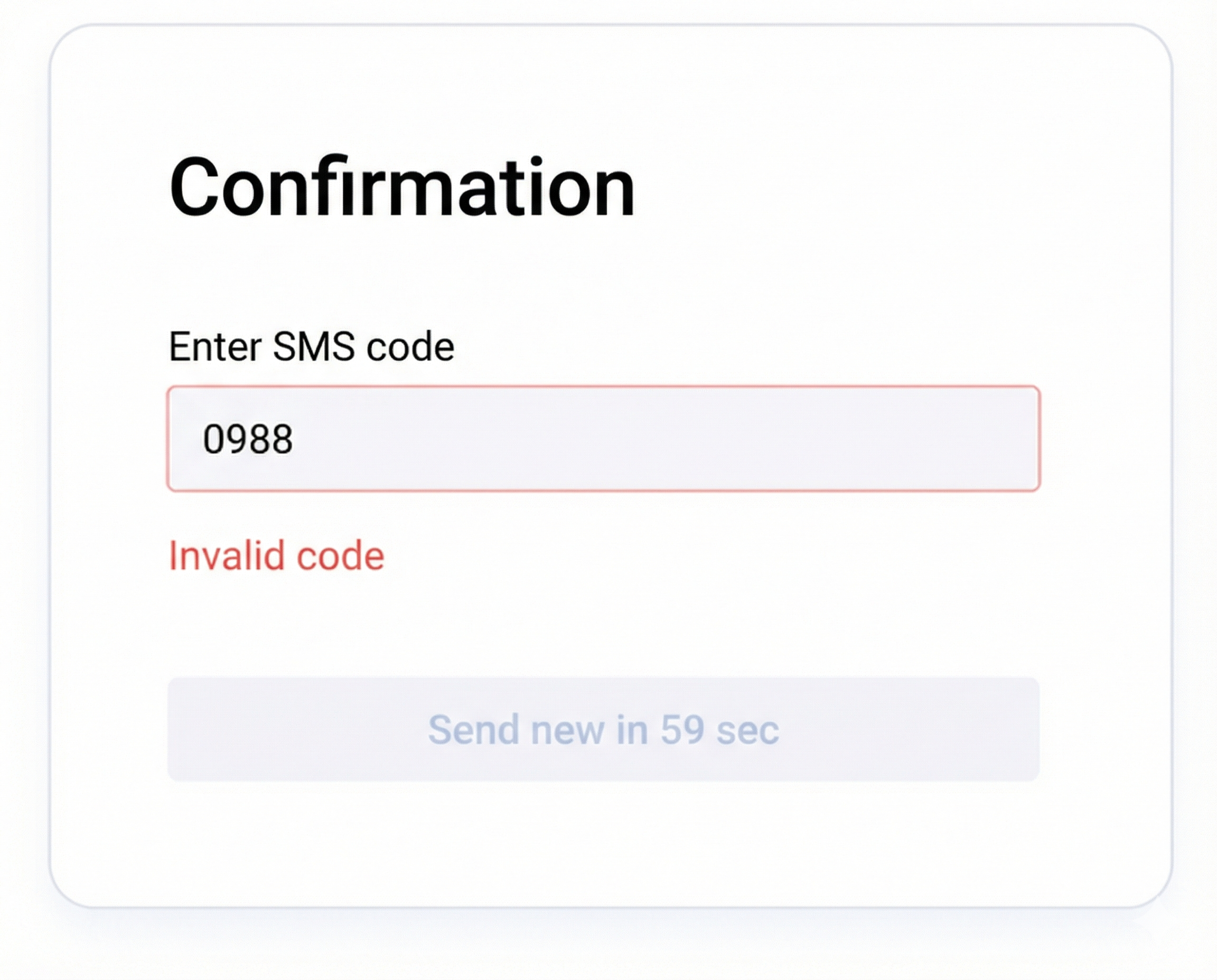
If the client entered an incorrect verification code, display error information to the client.
Upon completion of registration, it is recommended to pass the tag
"registration on website" or "registration in mobile application" using the tag addition method /users/tags/add/`.
Login
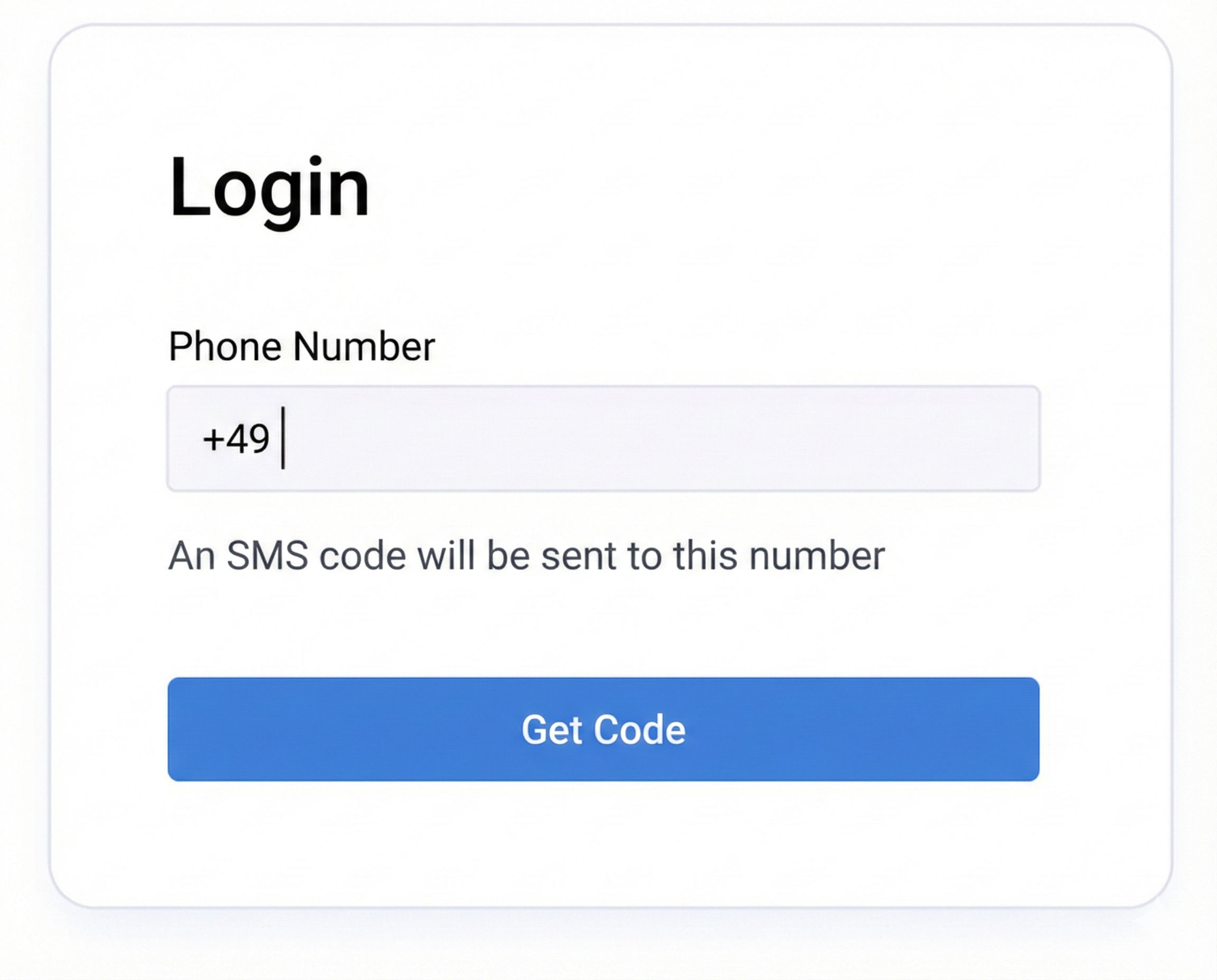
- To confirm the phone number during login, create a request to send an SMS
upon clicking the "Get Code" button using the SMS sending method /users/sms-code/`.
-
After sending the SMS, a verification code entry field should appear on the website.
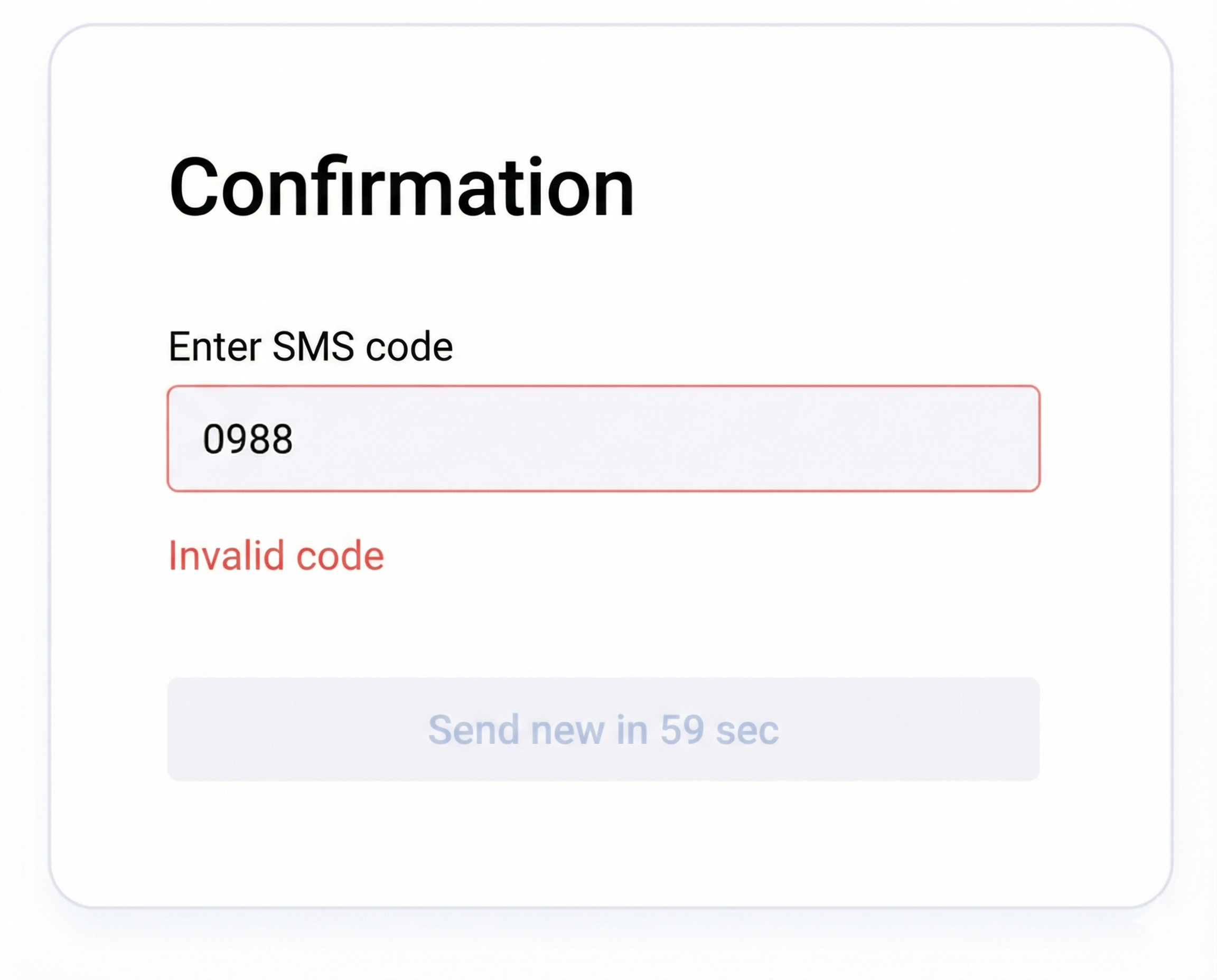
When the client enters the code and clicks the "Confirm" button, match the entered value with the code from the API response (sms-code).If the values do not match, display a message to the client that the code was entered incorrectly.
- If the code from the API response matches the code entered by the client, authorize the user on the website.
Perform all subsequent position calculation requests on behalf of the authorized client.