Recommendation widgets
On your website, you can display recommendation widgets.
To launch a widget, you need to click the "Launch" button on your personal account page.
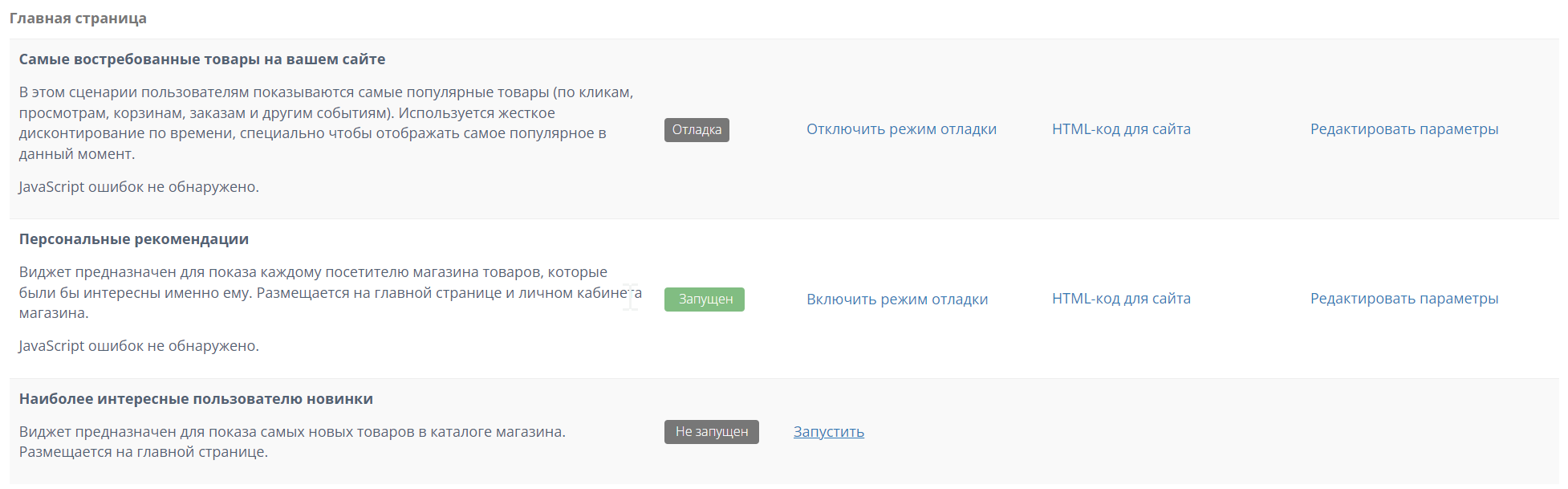
After this, you will be provided with the HTML code for this recommendation block, which you can install anywhere on a semantically appropriate page: in your personal account, widgets are grouped according to the pages they can be installed on.
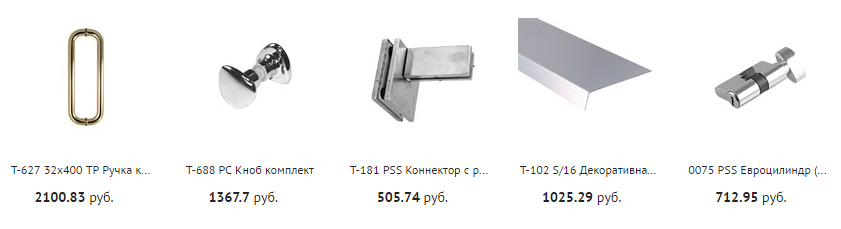
Example of a recommendation widget:
You can add your own styles or scripts to the widgets. All these changes can be made in your personal account.

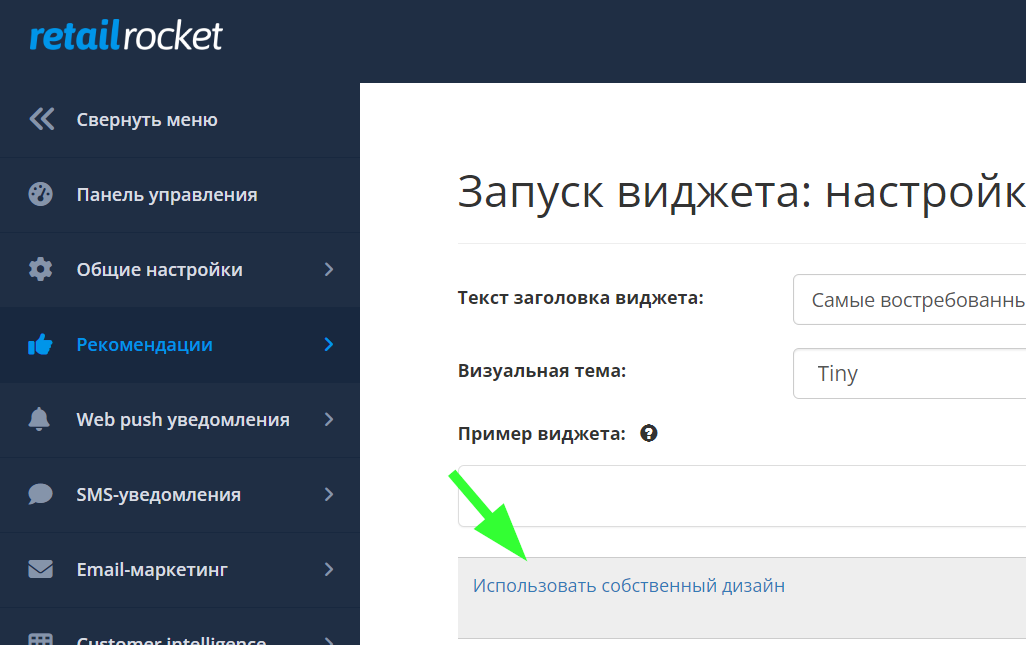
On the page, you can see three blocks: Style, Div, Script.
Style
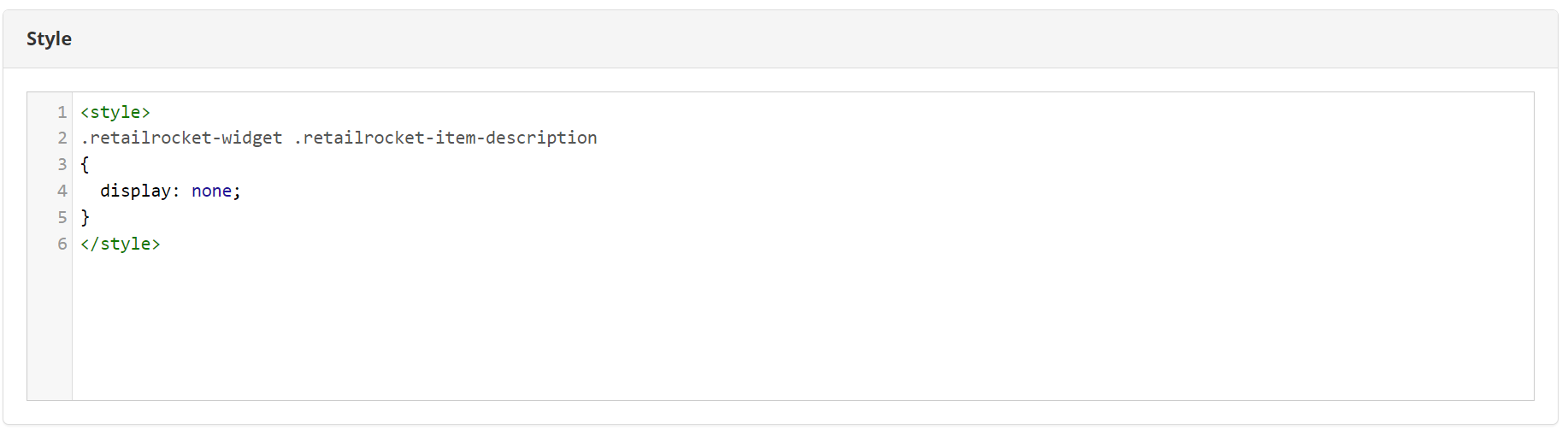
You can change the currency of products.
Div
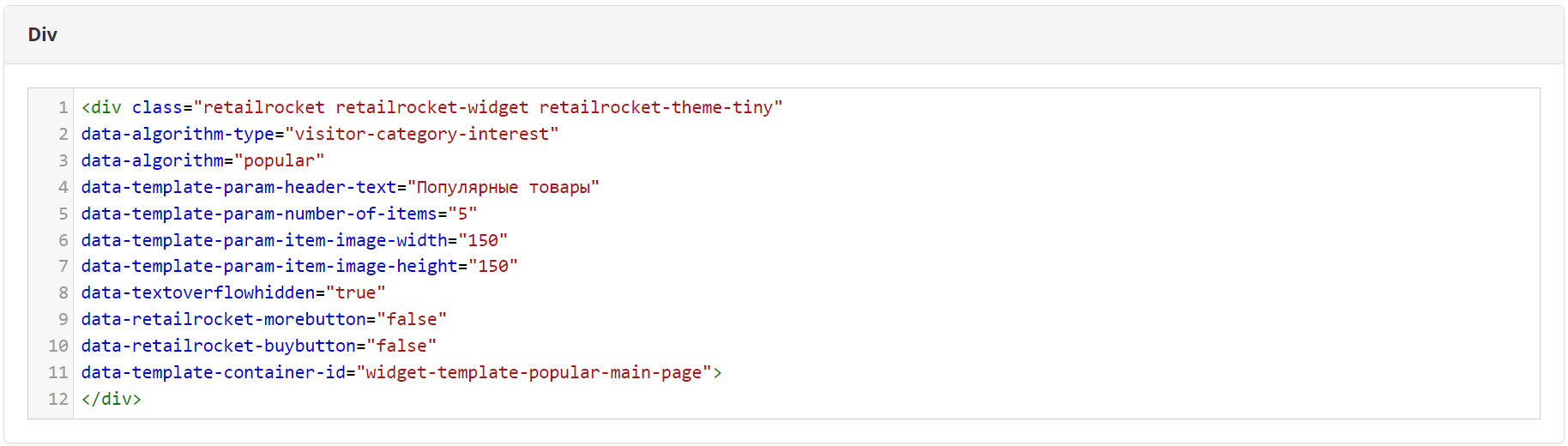
For example, to display 4 products instead of five in the recommendation block, you need to change the value: data-template-param-number-of-items="4";
To display the "Details" button: data-retailrocket-morebutton="true".
Script
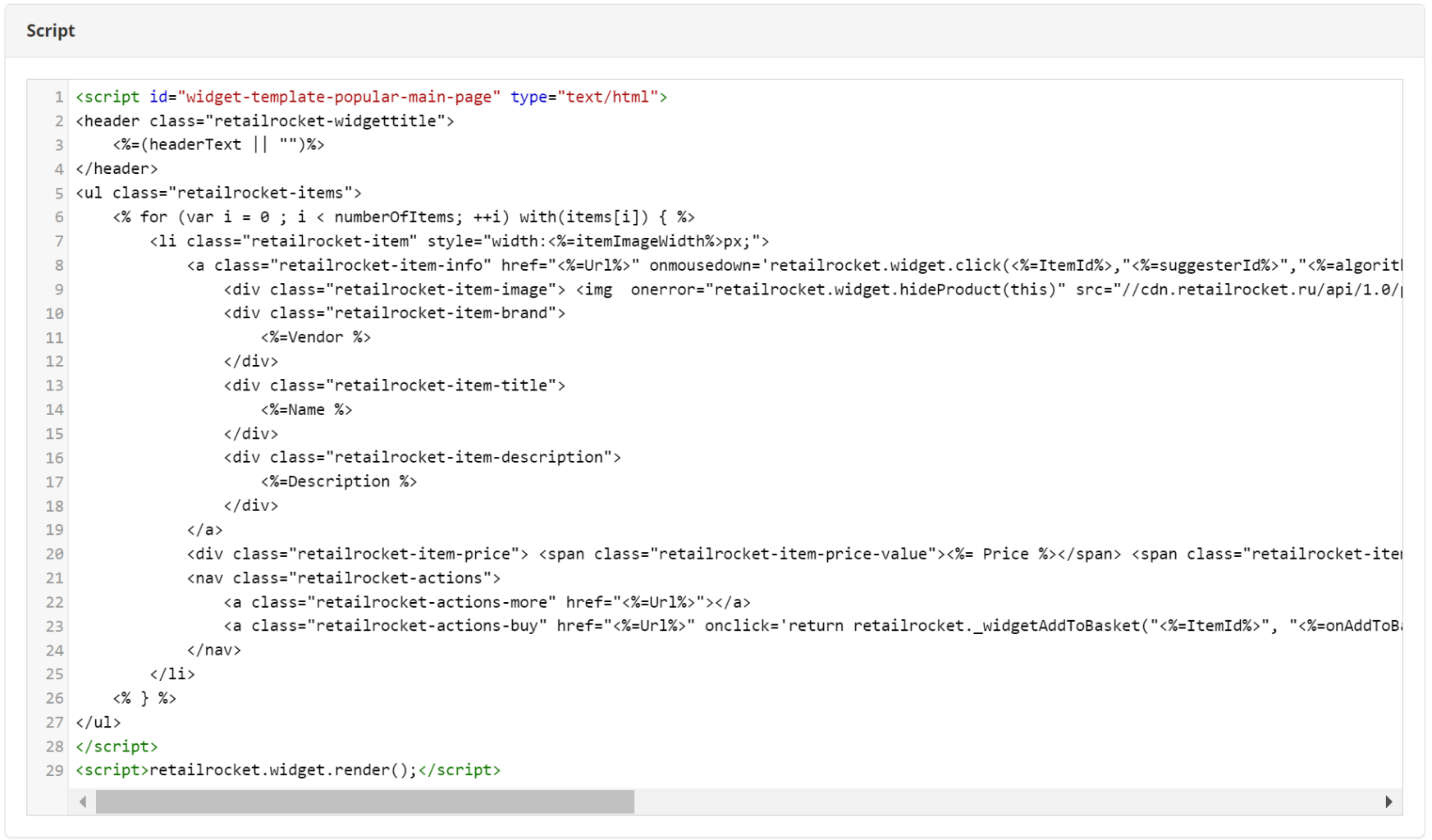
If you want to change the widget template, please keep the service variables.
For example, a click event in the widget:
onclick='return retailrocket.\_widgetAddToBasket("\<%=ItemId%>", "\<%=onAddToBasket%>")'
The function located at the end of the Script block is responsible for displaying the widget.
<script>retailrocket.widget.render();</script>