Using Multiple YML Files
The Retail Rocket platform allows you to use several product feeds within a single online store.
For example, if your online store's assortment differs depending on the user's region, you can upload a separate XML file for each region.
To do this, you need to:
- Divide the product database into several independent parts. When preparing the file, familiarize yourself with the example structure of the file and with additional information. It is important that stockId parameters in different files do not repeat, and all product categories referenced by products are described in the same file;
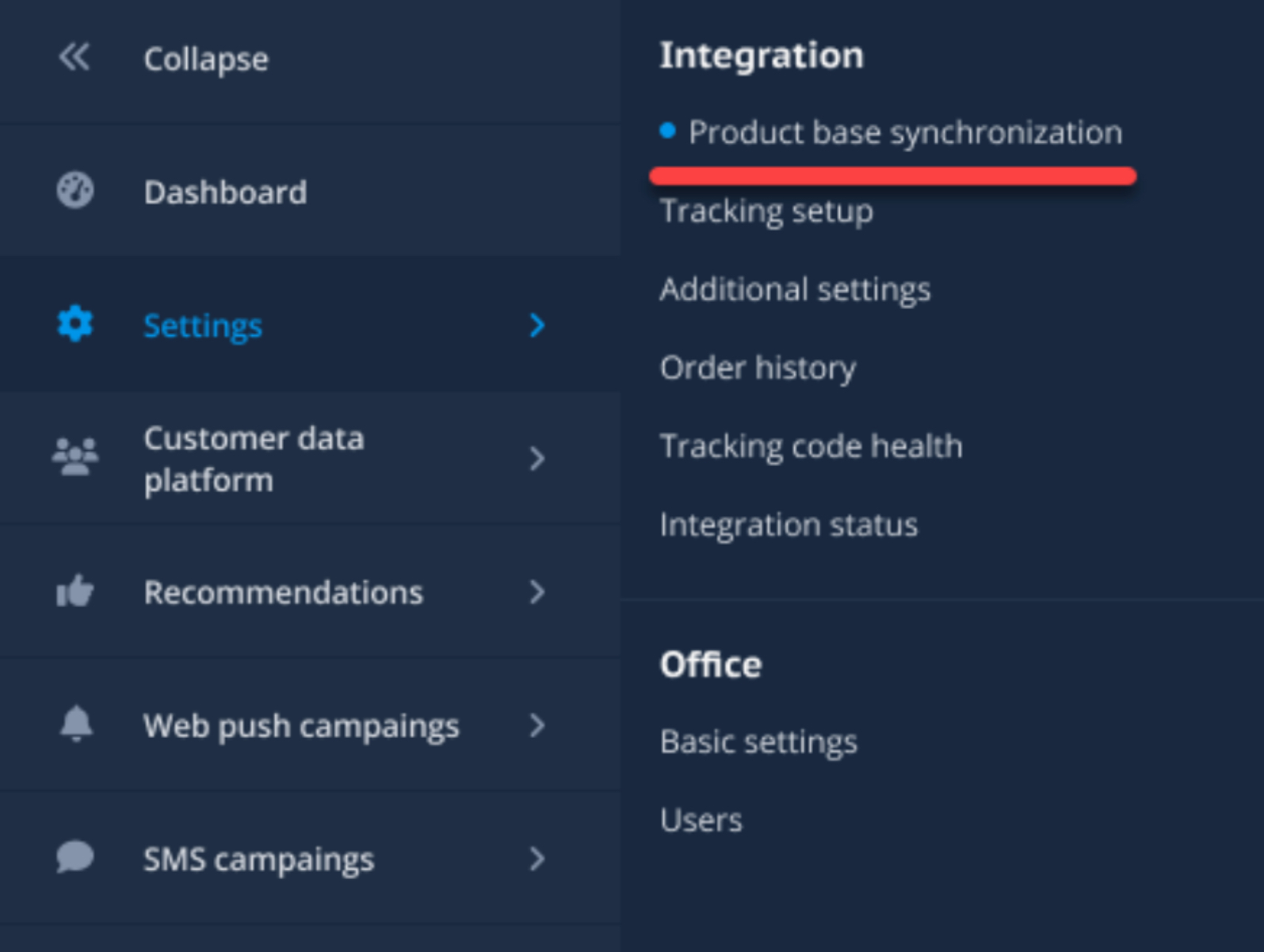
- In your account, go to General Settings / Product Database Synchronization.
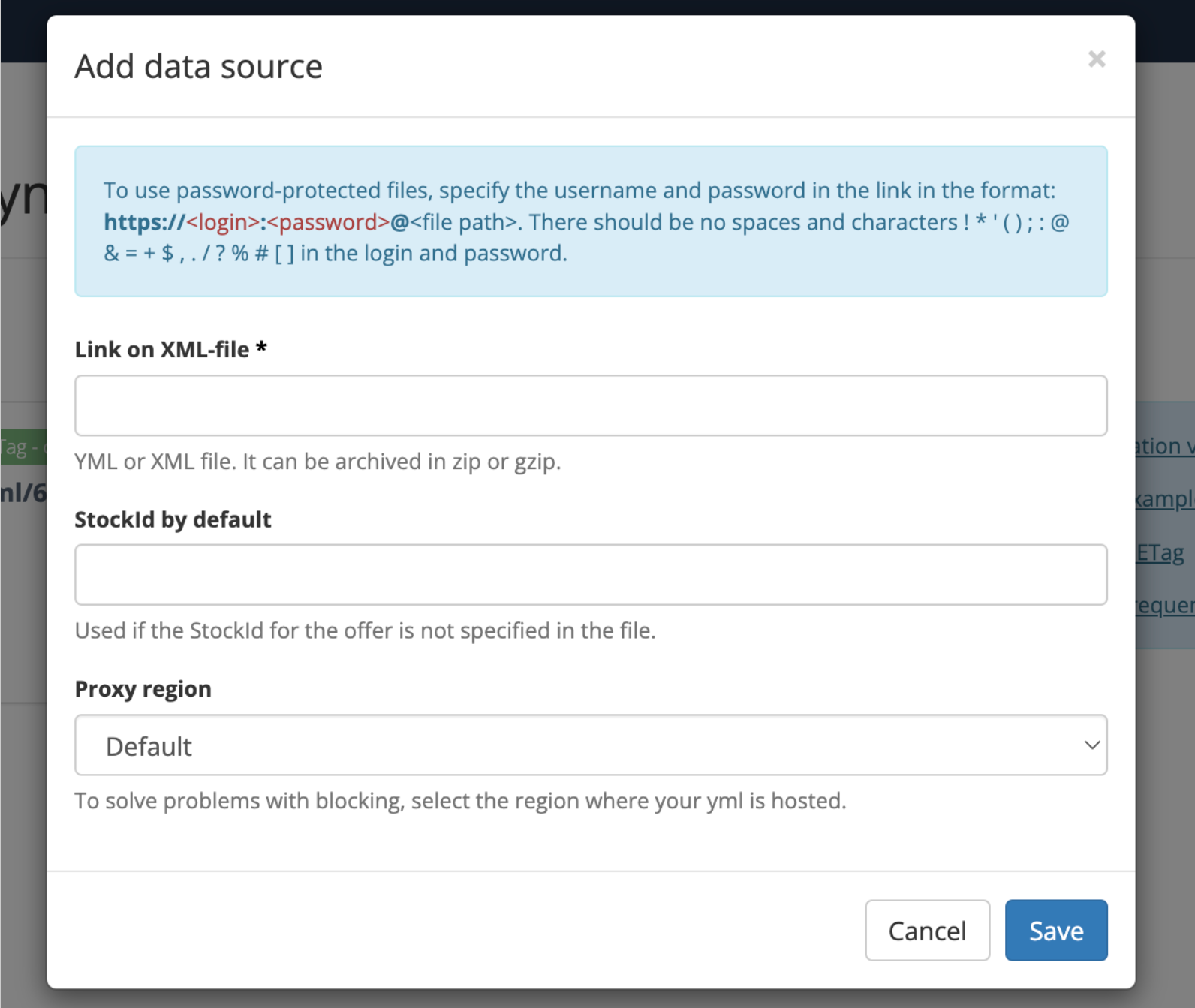
- Add a data source. Specify:
- YML file link - the absolute link to the file with the product database, starting with
https://; - Default StockId - assigned to products with missing stockId;
- Proxy region - the location of the server hosting this YML file;
- YML file link - the absolute link to the file with the product database, starting with
The first file upload will begin almost immediately after adding the data source. The frequency of subsequent uploads depends on many factors, which can be found at this link.