Filter page
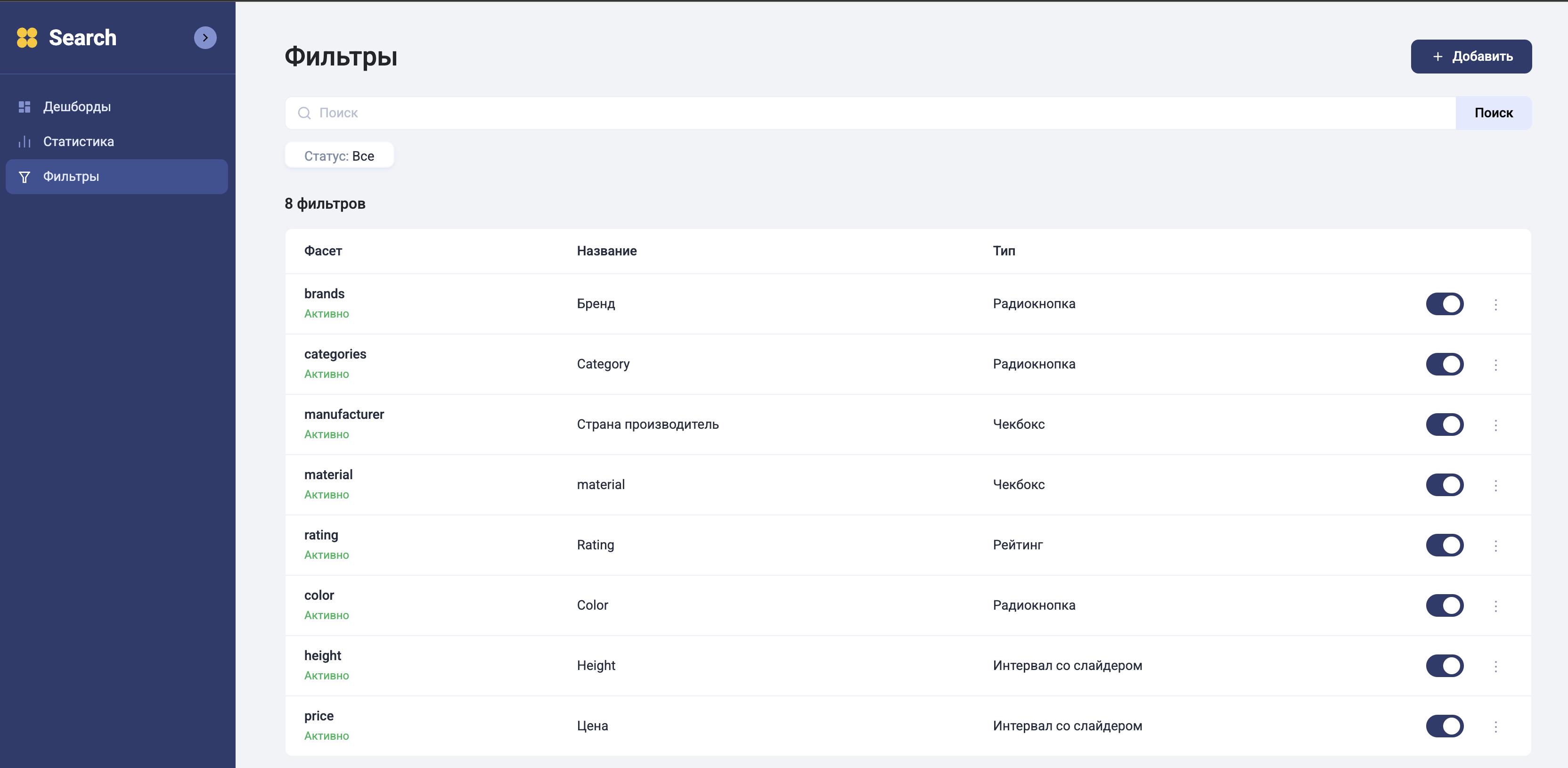
Filter adding order
-
Click the "Add +" button in the upper right corner;
-
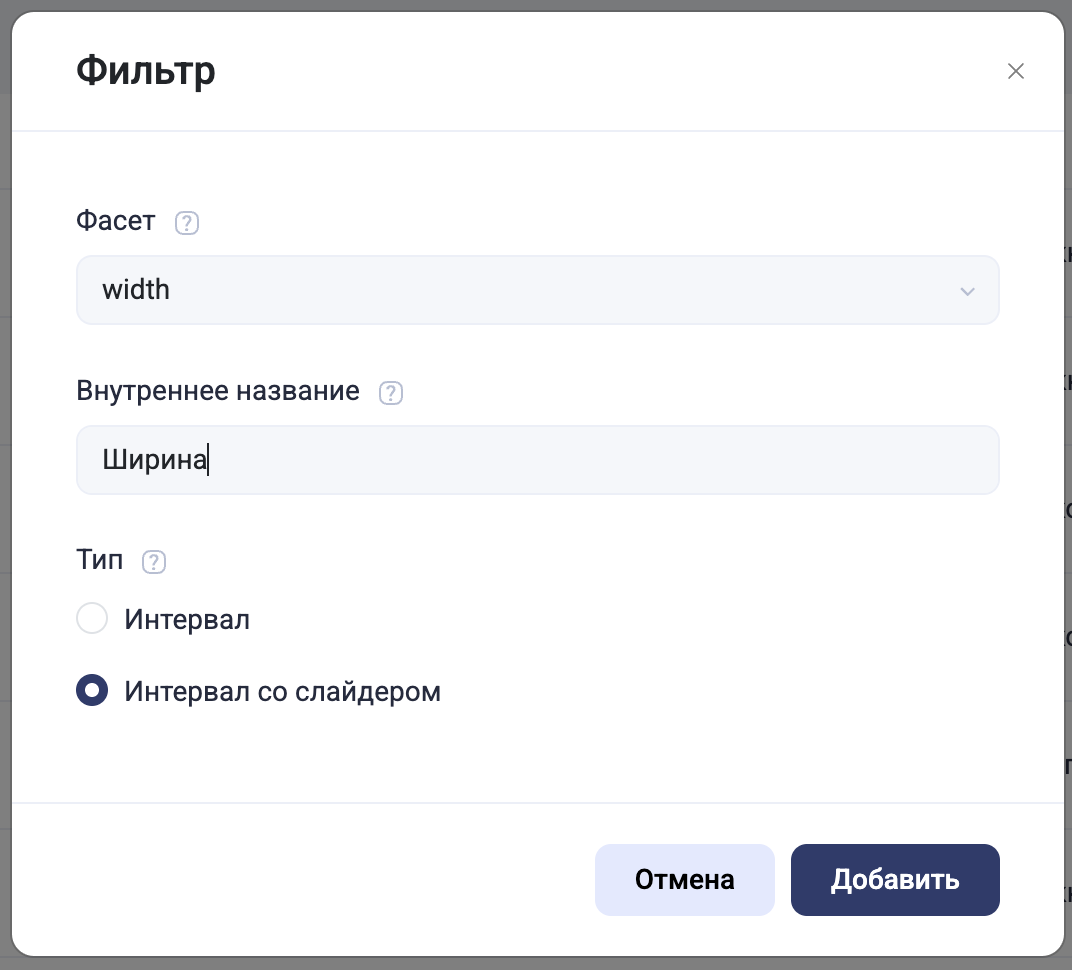
In the "Facet" field, select the parameter you want to display as a filter;
-
In the "Internal name" field, write what you want this parameter to be called in the search itself;
-
Select the filter type
-
Click the "Add" button;
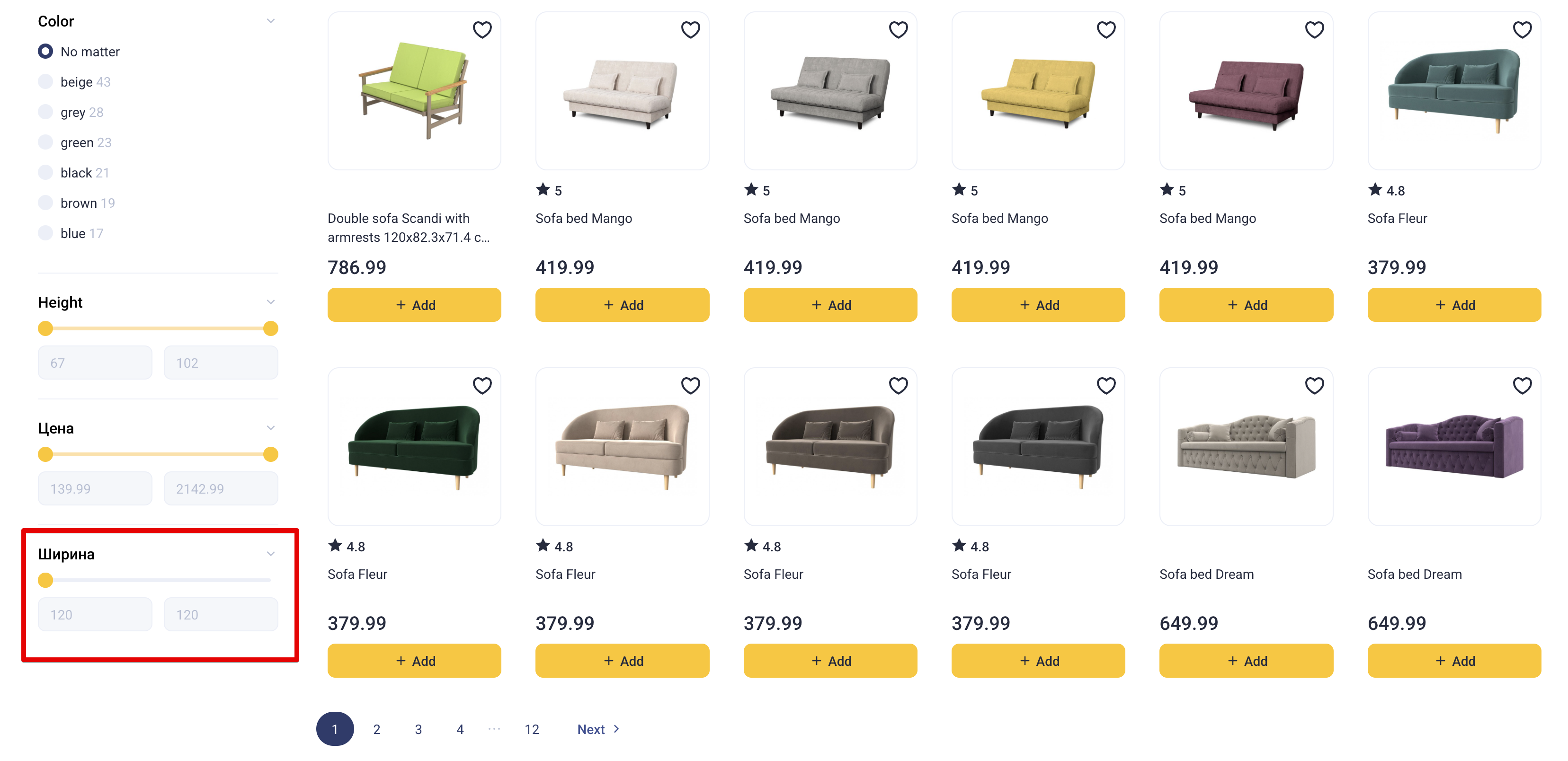
After that, the filter will appear in the search:
Filter types
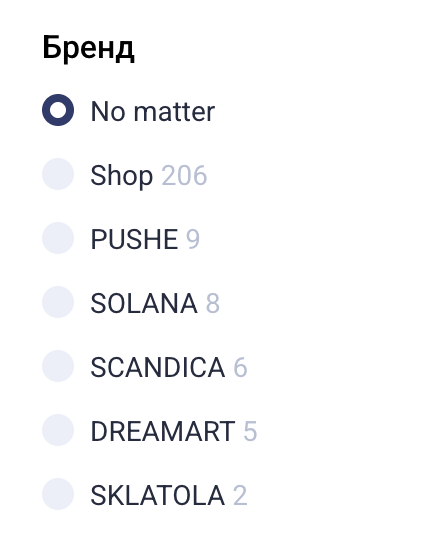
Radio button
Checkbox
Rating

Interval

Interval with slider